
How to Write Better AI Text-to-Image Prompts
A practical guide to organizing the subject, scene, style, camera, and aspect ratio in AI image prompts.
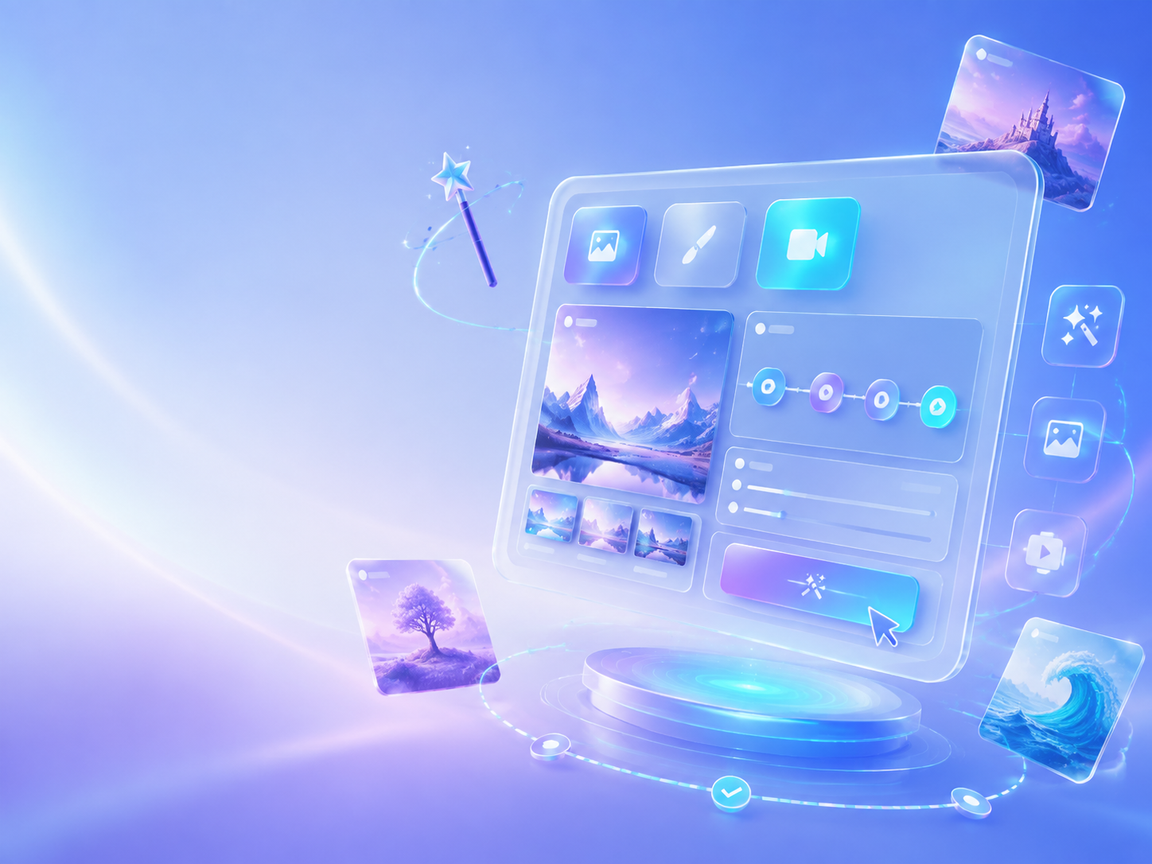
How it works
Good prompts do not need endless adjectives. They need clear visual information arranged in a way the model can follow.
Start with the subject and action, then add the scene and environment.
Describe the style, lighting, composition, and camera treatment.
Check that the aspect ratio matches the intended use.
Limits and notes
- Start with one subject and one primary action.
- For marketing assets, describe product placement, negative space, and the intended context.
- Change one major variable at a time when comparing iterations.
Frequently asked questions
Are longer prompts always better?
Not necessarily. Clear, structured, and consistent descriptions are usually more useful than many conflicting adjectives.
Should I write the style first?
Start with the subject and action, then add the scene, style, lighting, and composition so the visual focus stays clear.
Your next visual starts here.
Bring a prompt, a reference, or just an idea. TensorAI turns your first thought into something you can see.
Start creating for free