
Input
One or more reference images and a prompt describing the desired change.
Upload a reference image and add a prompt to explore style transfer, composition variations, and new visual directions.
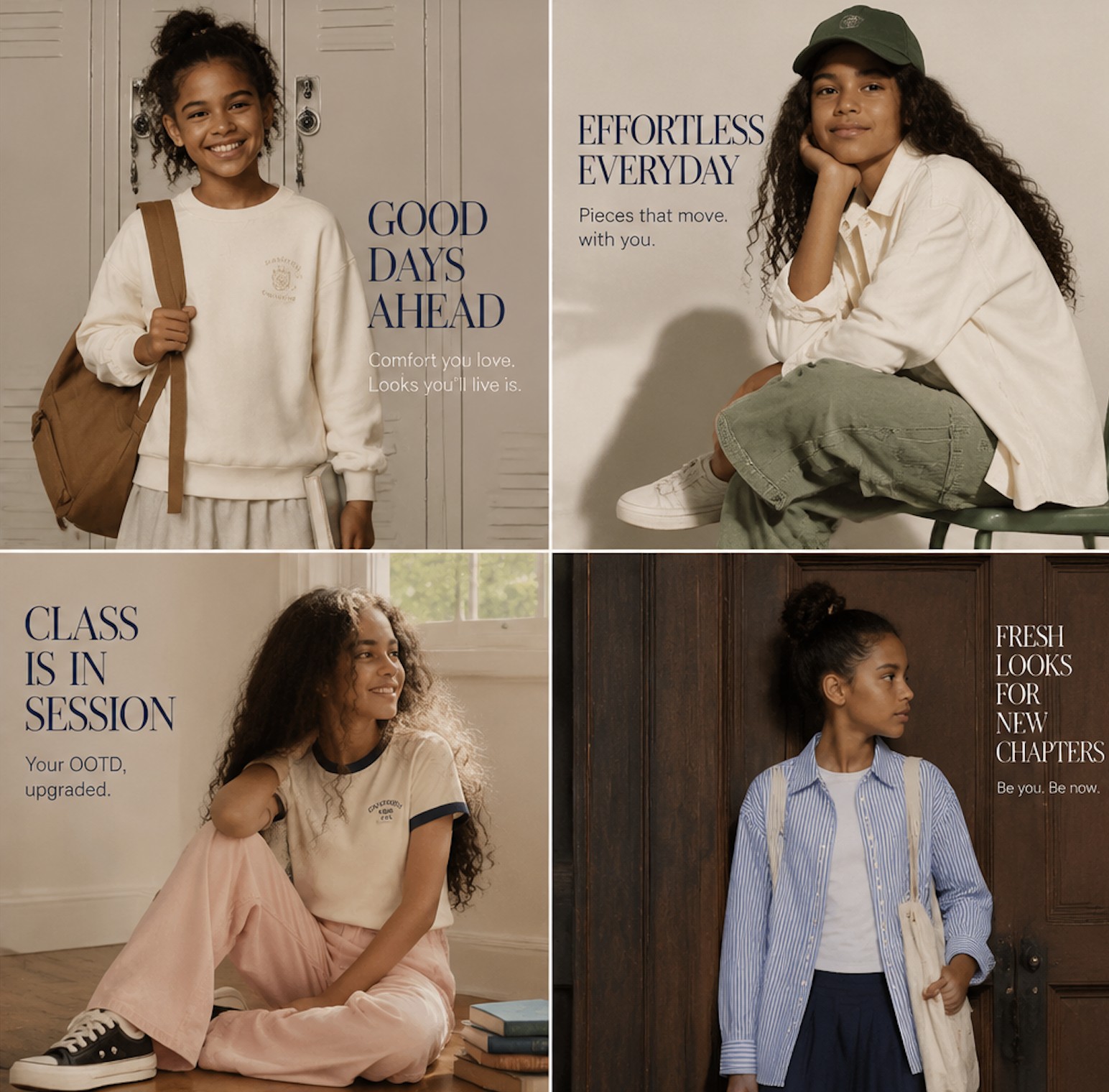
Reference image
Sign in to continue in the creative workspace.
Combine reference images with prompts to keep the core idea while iterating on the visual result.
One or more reference images and a prompt describing the desired change.
Image variations based on your references for comparing styles and compositions.
Style transfer, composition iteration, product exploration, character variations, and reference-based creation.
Choose a creative tool
Enter a prompt or upload reference images
Generate and keep refining your work
The current image creation interface supports JPG, PNG, GIF, and WEBP, with a 10 MB limit per image.
Non-GPT image models support up to 3 reference images. Input behavior can vary by model, so check the creation interface.
It is designed to explore new styles and compositions. Results depend on the prompt, model, and reference material and are not pixel-perfect copies.
Use it when you have a sketch, product image, person, or style reference and want to iterate while keeping the creative direction.
Bring a prompt, a reference, or just an idea. TensorAI turns your first thought into something you can see.
Start creating for free